Game Guide Hub
Game Guide Hub
Appearance
Subnautica 2 beginners must-see: Turn off V-Sync, motion blur, enable DLSS, adjust scaling quality, auto graphics settings, switch language to Chinese, enable outlines. Make the game smoother and operation clearer.
Time: 00:03.120 - 00:13.360
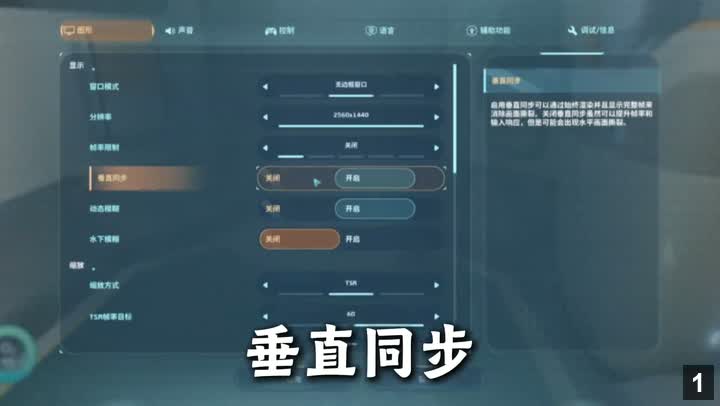
Turn off V-Sync, motion blur, and underwater blur to avoid performance loss and motion sickness. Do not enable V-Sync unless screen tearing occurs.
Key Points:
Time: 00:13.600 - 00:17.320
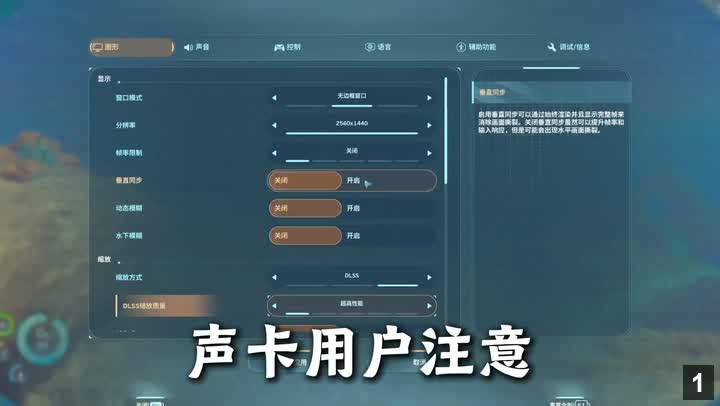
NVIDIA GPU users should set rendering mode to DLSS for the best balance of image quality and performance.
Key Points:
Time: 00:17.520 - 00:23.200
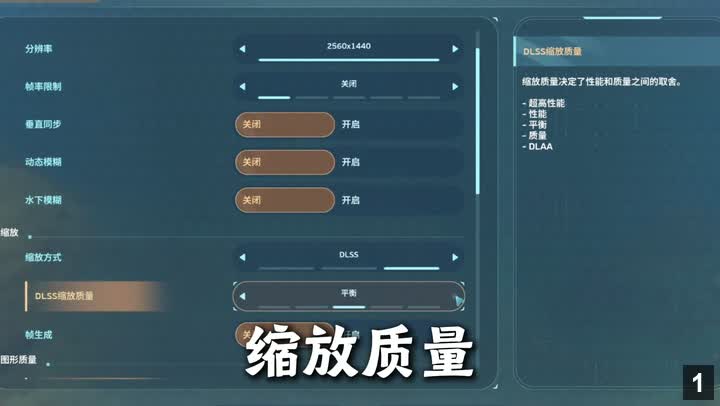
Start from the highest DLSS quality level based on your configuration; if stuttering, lower it step by step until smooth.
Key Points:
Time: 00:23.400 - 00:28.280
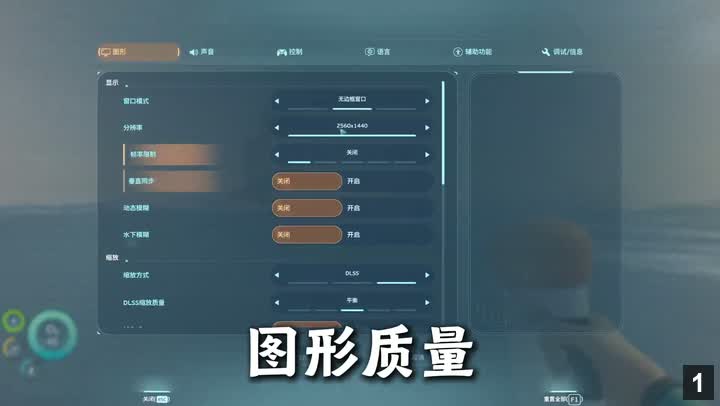
Click the "Run" button to let the game automatically detect hardware and set an appropriate graphics quality level, no manual adjustment needed.
Key Points:
Time: 00:28.480 - 00:31.760
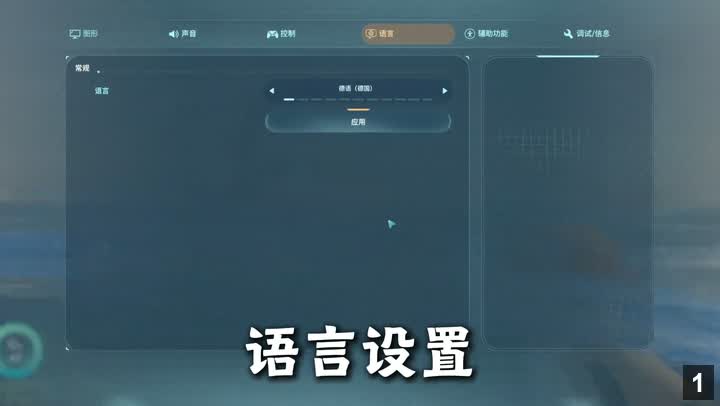
Default language is German, need to find the language option in settings and change to Chinese, then click Apply.
Key Points:
Time: 00:31.960 - 00:38.960
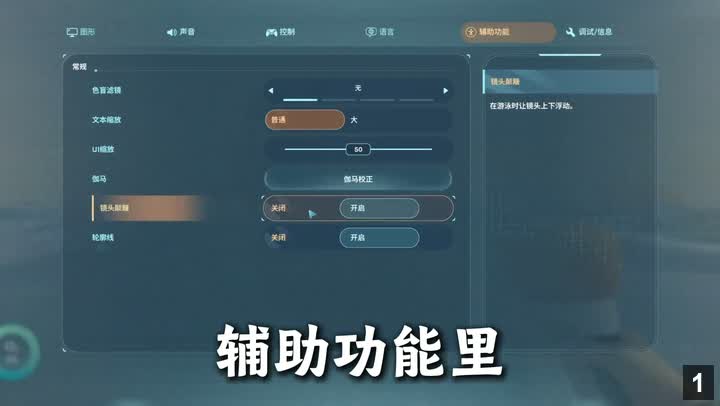
Turn off camera shake to reduce dizziness, enable outlines to highlight interactive objects for easier exploration.
Key Points: